

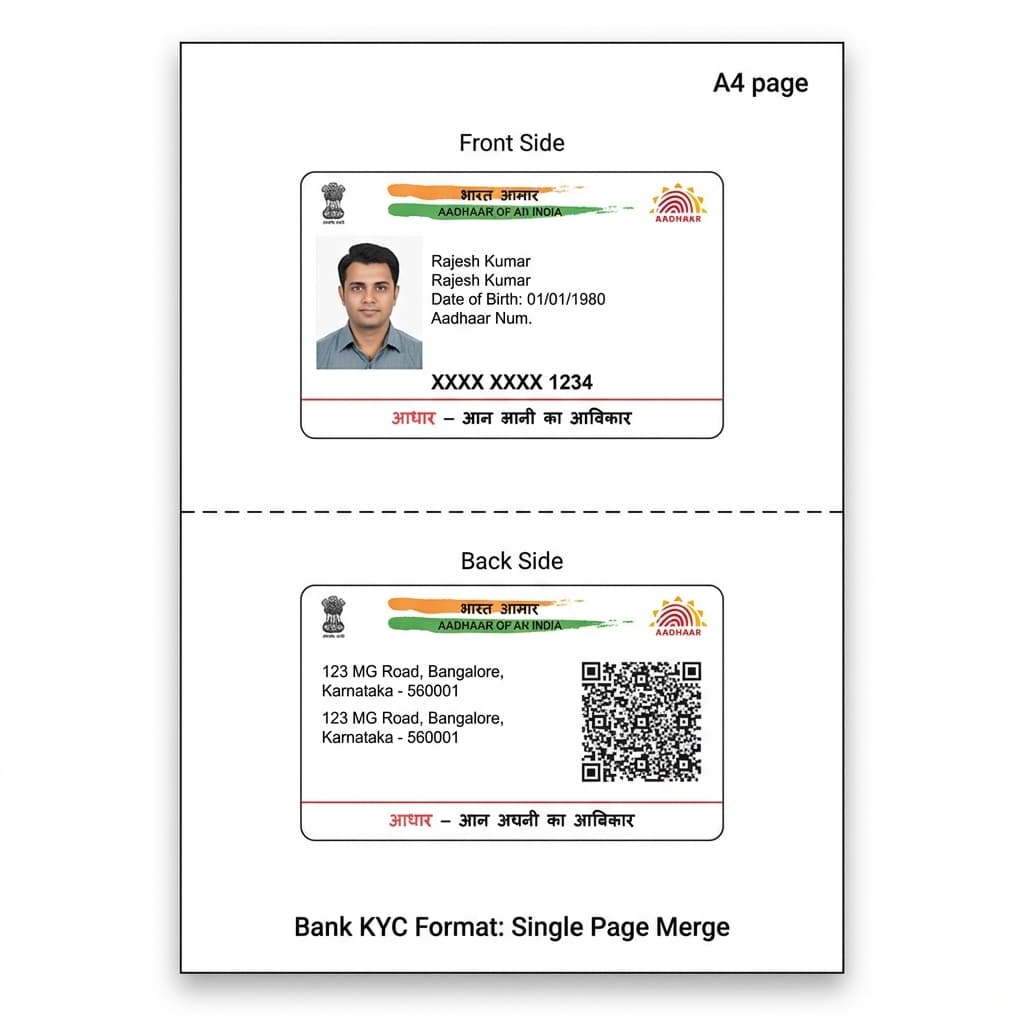
Printing worker ID cards by hand is slow and prone to mistakes. A dedicated PVC E-Shram Card Print tool fixes this by pulling worker details onto a set layout and sending the job straight to your card printer. Print shop owners and CSC operators use this daily to turn a document into a finished card in minutes.
Why Print Shops Need PVC E-Shram Card Print Software
Manual card design works, but not at volume. Every worker has a different name length, photo crop, or address size, and fixing this by hand for dozens of cards a day is not practical. A purpose-built PVC E-Shram Card Print system keeps the layout fixed and swaps only the data. This saves hours during busy registration drives and cuts errors like cut-off text or a misaligned photo.
Key Features
Every eShram Card PVC Print Online job needs a few core tools:
- Front and back layout editor - Design both sides once, reuse every time.
- Document-based data entry - Type details or pull them from the PDF.
- Photo and QR placement tools - Crop and align inside fixed boxes.
- Print preview - Check the card before it reaches the printer.
- Batch printing - Queue several cards instead of opening a new file each time.
These features make PVC E-Shram Card Print work practical for a shop handling many walk-in customers, not just a one-off design task.
How eShram Card PVC Print Online Works
- Collect the worker's e-Shram PDF or UAN number.
- Load the name, UAN, DOB, and photo into the template.
- Check the preview for spelling and photo crop.
- Print on PVC card stock using a connected printer.
- Hand over the card in place of a paper printout.
This is the same eShram Card PVC Print Online routine CSC centres already follow by hand - the software just removes the repetitive design work.
Card Format Comparison
Shops offering eShram Card PVC Print Online service explain the format difference this way:
Format | Material | Durability | Typical Source |
Paper PDF printout | Plain paper | Tears, fades fast | eshram.gov.in download |
Laminated paper | Paper + lamination | Cracks over time | Local shop lamination |
PVC card | Plastic | Wallet-size, long-lasting | PVC E-Shram Card Print at a shop |
Who Uses This Software
A wide range of local businesses rely on eShram Card PVC Print Online service to serve unorganised sector workers who want a durable card instead of a paper printout:
- CSC (Common Service Centre) operators who already handle worker registration and want to offer instant PVC printing on the same visit.
- Cyber cafes that add card printing as a paid service alongside document downloads, photocopies, and form filling.
- Local ID card vendors who print multiple government card types: Aadhaar, PAN, voter ID, and E-Shram from one shop counter.
Benefits for Shop Owners
Running a PVC E-Shram Card Print counter alongside your regular services brings several real, day-to-day advantages:
- Faster turnaround per customer - A fixed template means less time spent adjusting layouts for every new worker.
- Fewer reprints and wasted card blanks - The print preview catches spelling or crop mistakes before the card is printed.
- One tool for multiple card types - The same software handles E-Shram alongside Aadhaar, PAN, and voter ID printing, so you are not switching between different programs.
- Easy for new staff to learn - The screens are simple enough that a new employee can start printing correctly within a day.
Pricing Factors
PVC E-Shram Card Print cost depends on license type (one-time or subscription), printer hardware, ongoing card blanks and ribbon, and monthly volume. Contact IDGenius Pro for current pricing, since printer models vary by shop.
Why Choose IDGenius Pro
IDGenius Pro is built around how Indian government ID documents are actually structured, not as a generic photo-editing tool. Here is why shop owners pick it for their PVC E-Shram Card Print counter:
- Built for ID card counters, not repurposed photo software.
- Covers Ayushman, Aadhaar, PAN, and Voter ID from one interface.
- A straightforward Shram Card PVC Print Online setup that counter staff can learn quickly.
Get Your PVC E-Shram Card Print Software Today
If you run a CSC, cyber cafe, or ID card shop and want a dependable eShram Card PVC Print Online workflow, IDGenius Pro PVC E-Shram Card Print software is built for this. Download the demo and test it on a few cards first.
For any questions about setup, pricing, or printer compatibility, contact us on WhatsApp; our team is happy to help.
FAQs
What is an e-Shram card?
A card issued to unorganised sector workers registered on eshram.gov.in, carrying a UAN, the worker's details, and a QR code.
How to print an e-Shram card?
Download the worker's e-Shram PDF, load the name, UAN, and photo into a PVC E-Shram Card Print tool like IDGenius Pro, check the preview, and print on PVC card stock.
How to get a PVC E-Shram card?
Visit a shop offering PVC E-Shram Card Print service, share your UAN or downloaded PDF, and they will print the card on durable plastic instead of paper.
How to download the e-Shram card PDF?
Go to eshram.gov.in, log in with your Aadhaar number or UAN plus OTP, open your profile, and click "Download UAN Card".
Is a labour card the same as an e-Shram card?
Usually yes - "labour card" is used informally for the e-Shram card, though some states run separate labour welfare board cards too.
Who is eligible to register for an e-Shram card?
Unorganised sector workers aged 16 to 59 who are not covered under EPFO or ESIC can register, including daily wage workers, domestic workers, street vendors, and migrant labourers.
Is there a fee for e-Shram card registration?
Registration on the government portal is free. A print shop offering PVC printing service usually charges only a small fee for the plastic card and lamination.
What are the main benefits of an e-Shram card?
Registered workers become eligible for accident insurance cover under PMSBY and can be considered for future government welfare schemes linked to the UAN.
How do I check my e-Shram card payment or benefit status?
Log in at eshram.gov.in using your UAN and OTP, then check the payment or scheme status section on your profile dashboard.
What do I need to bring for PVC printing of my e-Shram card at a shop?
Carry your Aadhaar-linked mobile number or UAN number and, if possible, your downloaded e-Shram PDF - the shop can then complete the eShram Card PVC Print Online job on the spot.